Best Productivity Mac Apps (2026)
Discover the best Mac productivity apps in 2026 hand-picked for macOS Sequoia and Apple Silicon. From notch-aware clipboard managers and menu bar organizers to distraction-free window managers, these utilities streamline daily desktop workflows without battery drain or unnecessary system overhead.
Rather than bloated all-in-one suites, modern Mac productivity favors lightweight, single-purpose utilities built in native Swift. Browse vetted tools offering one-time licenses, transparent offline local storage, and instant keyboard shortcuts that let you get things done faster.
6 Productivity Apps on this Shelf
Compare Apps Side-by-Side →

Clippio
🔥On-device clipboard history, paid once.


Precis
🔥On-device dictation that types where the cursor is.
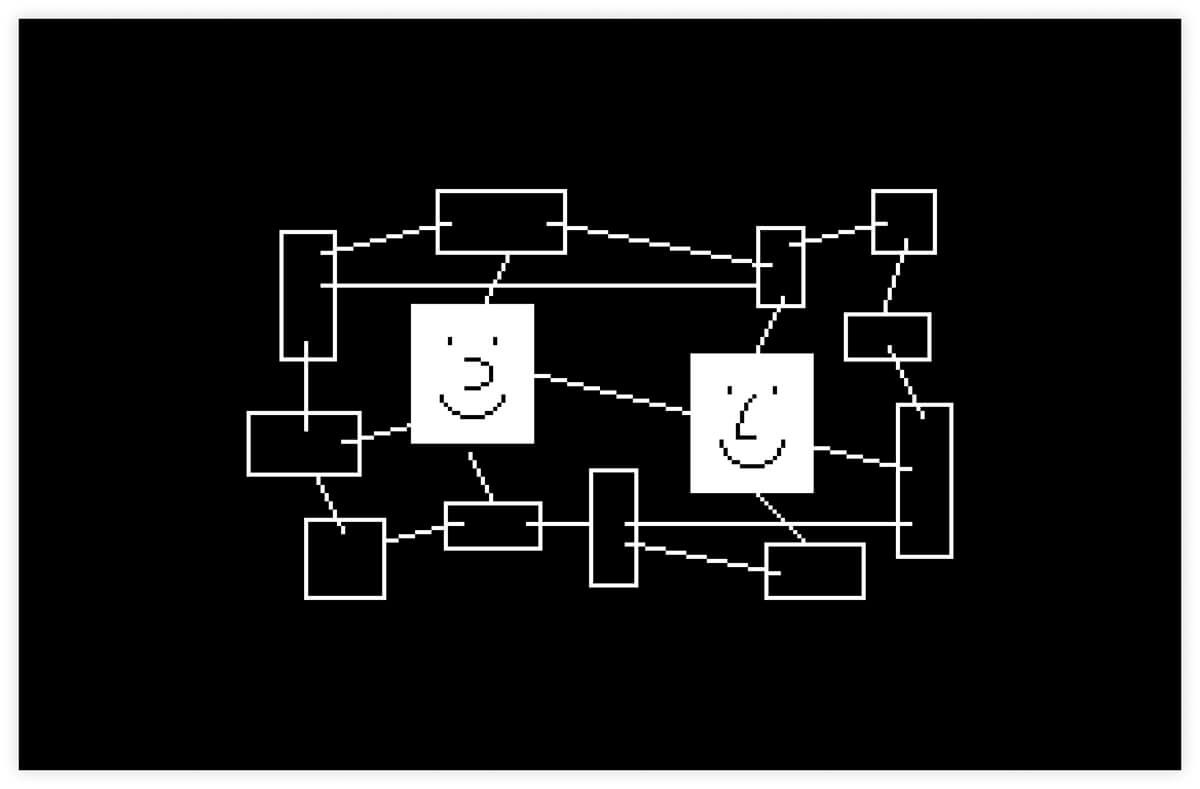

Anytype
Local-first notes as typed objects, with encryption and peer-to-peer sync.


HoldSpeak
Dictation into any Mac app, on the device, paid once.
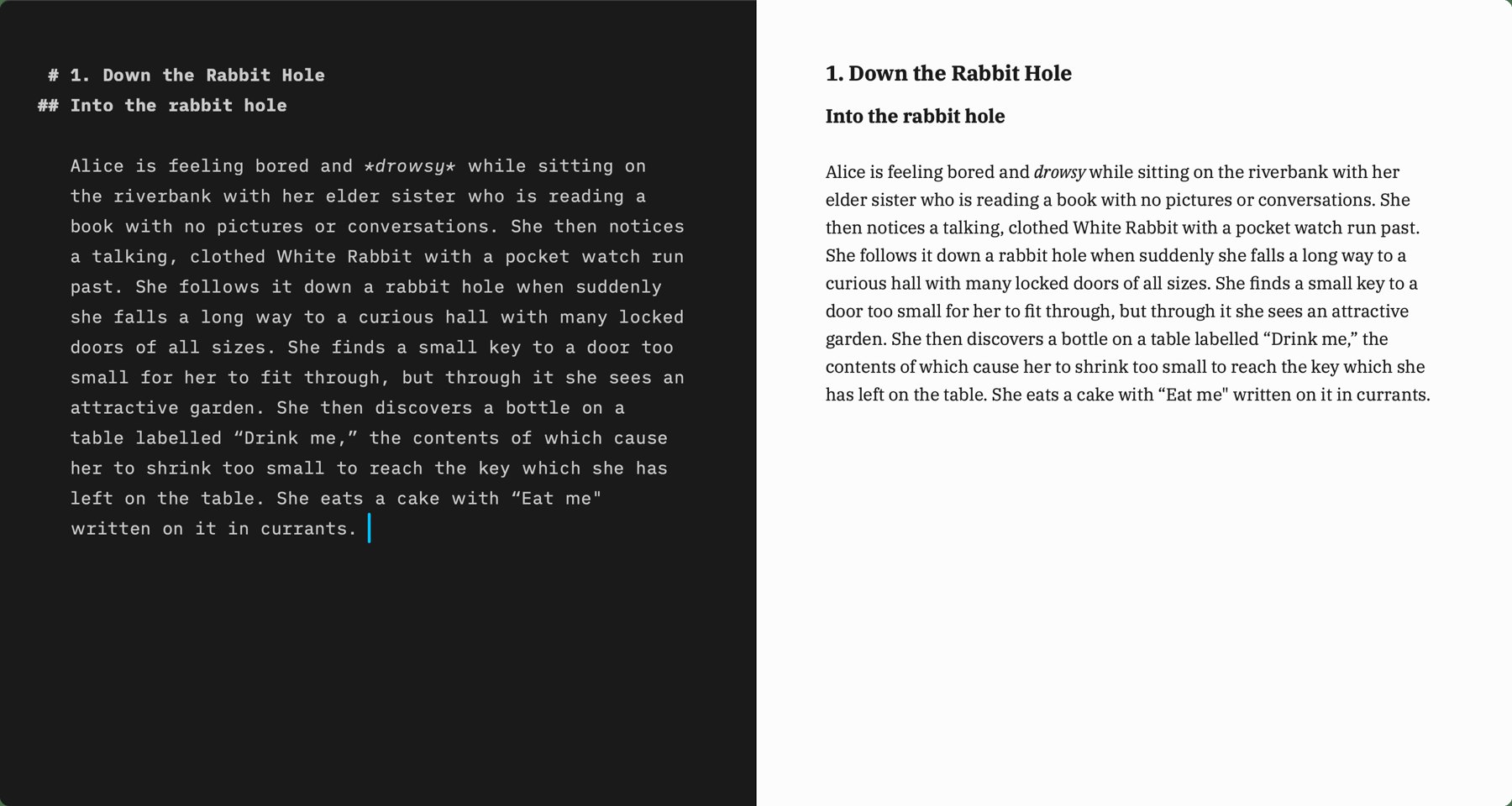

iA Writer
A focused markdown editor sold as a one-time purchase on the Mac.


Voicera
Dictation into any app, with a free weekly cap.
What to look for in Mac Productivity apps in 2026
Key evaluation standards we consider before approving productivity software to the PickMacApps directory:
Native Mac apps consume significantly less RAM and idle CPU, keeping your MacBook cool and responsive.
Prioritize background utilities that use fewer than 50MB RAM and draw zero continuous background CPU cycles.
Look for tools that process your clipboard, windows, and document history 100% on-device without cloud sync requirements.
Favor upfront one-time licenses or generous perpetual fallback options over aggressive recurring monthly subscriptions.
Mac Productivity Apps: FAQs
Common questions regarding pricing, compatibility, and safety when choosing productivity utilities.
What are the best Mac productivity apps to install first in 2026?↓
Start with an essential clipboard manager (like Tucket or Maclip) to never lose copied text, a menu bar declutterer (like ClearBar or Lounge) to reclaim top-bar space, and a fast screenshot utility like Shottr or Better Shot.
Do background productivity apps slow down my Mac?↓
Lightweight, native macOS utilities built with Swift and AppKit run with virtually zero measurable impact on system speed or battery life. Avoid running dozens of Electron-based background daemons simultaneously.
Are free Mac productivity utilities safe?↓
Yes, provided they are notarized by Apple Gatekeeper or open-source. On PickMacApps, every free app undergoes manual review to ensure it contains no adware, tracking telemetry, or deceptive upsells.
Should I buy one-time Mac apps or pay monthly subscriptions?↓
Whenever possible, choose one-time purchase or freemium apps for utilities. Recurring subscriptions rarely make sense for static desktop tools like clipboard managers, calculators, or menu bar hiders.
Related Buying Guides & Deep Dives
Editorial roundups featuring productivity apps tested on this shelf.
Best Clipboard Manager for Mac (2026) | PickMacApps
Find the best clipboard manager mac utility for 2026. Compare Tucket, Clippio, and Maclip on privacy, notch access, encryption, and one-time pricing.
Best Notes App for Mac (2026) | PickMacApps
Find the best notes app mac thinkers need in 2026. Compare Anytype and iA Writer for structured databases versus focused markdown drafting.
Best Free Mac Apps (2026): Hand-Picked | PickMacApps
Better Shot is marked Free. Shottr, Voicera, MacWhisper, and Anytype are freemium. Mole is $19 once, so it is not a free app.
Built an indie Mac productivity app?
PickMacApps is hand-curated and reviewed. Submit your Mac application for our editorial review and get discovered by thousands of Mac power users.