Beautifully designed Mac apps, curated
A hand-picked shelf of beautifully designed macOS apps. Discover thoughtfully crafted tools, utilities, and indie software for your Mac.


Browse every Mac app

MacWhisper
Quickly transcribe audio files into text on your Mac

NotchDodo
Music, timers, calendar, and files in the notch.


Precis
🔥On-device dictation that types where the cursor is.


Clippio
🔥On-device clipboard history, paid once.


Helumi
More space for your Mac, without buying a new one.
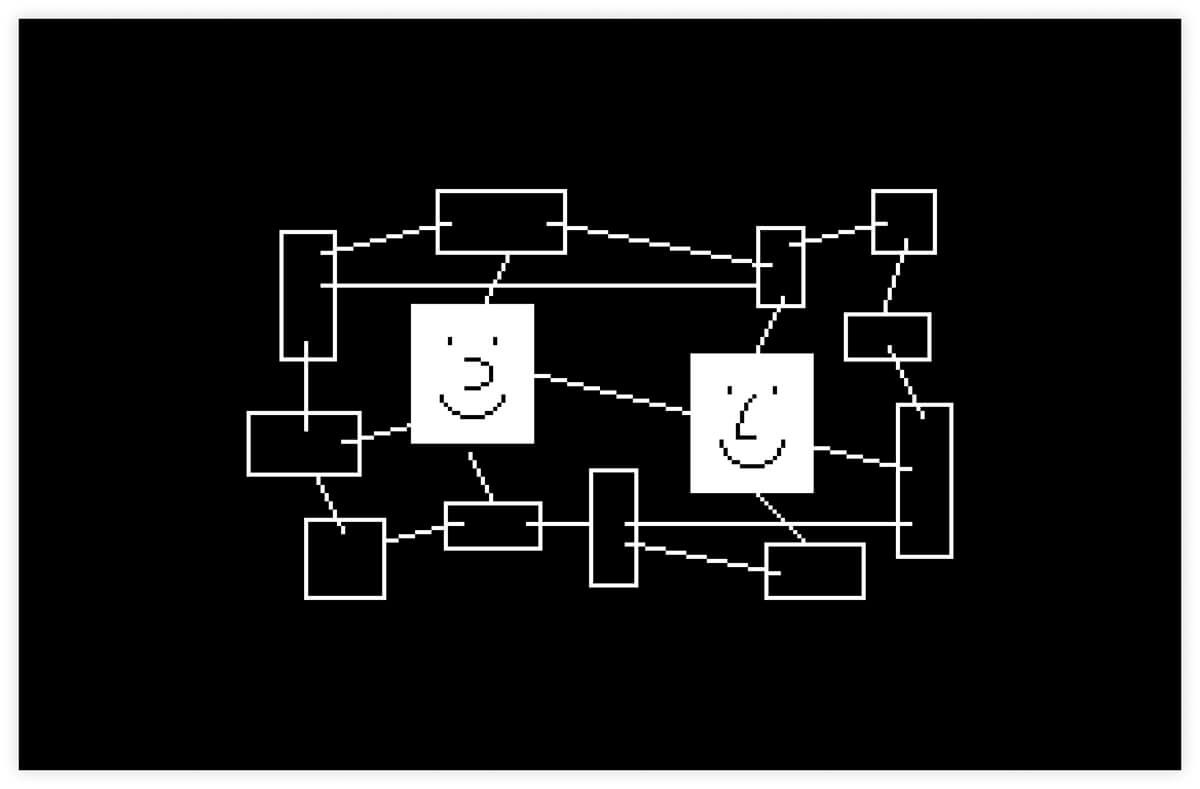

Anytype
Local-first notes as typed objects, with encryption and peer-to-peer sync.
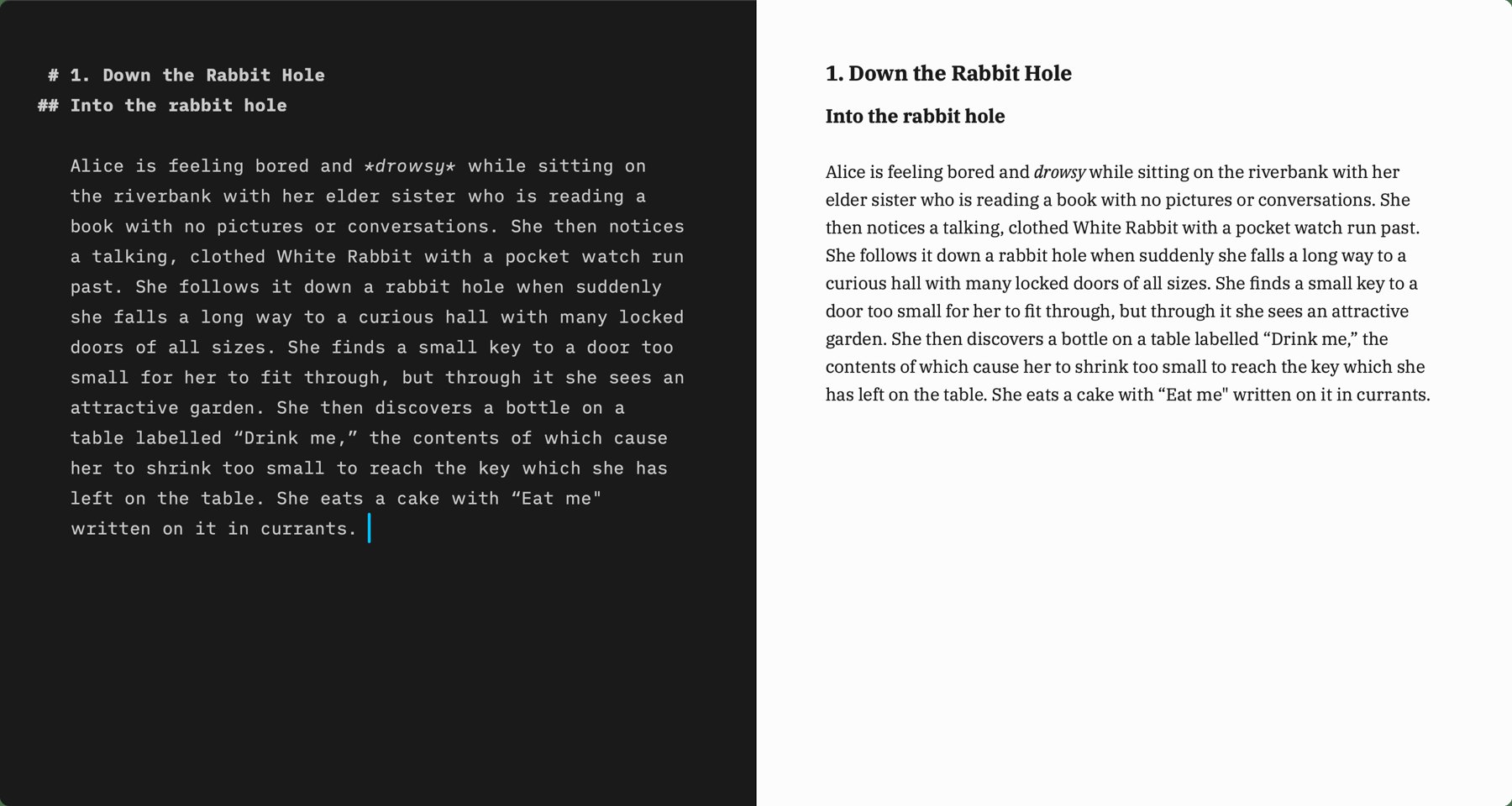

iA Writer
A focused markdown editor sold as a one-time purchase on the Mac.


ClearBar
Hides third-party menu bar icons and keeps them in one panel.


Lounge
Hides menu bar icons and opens them from a notch panel.


Alcove
A notch display for notifications and now playing.


HoldSpeak
Dictation into any Mac app, on the device, paid once.


Voicera
Dictation into any app, with a free weekly cap.


Shottr
Screenshots, scrolling capture, OCR, and a screen ruler.


Better Shot
Free screenshots and screen recording, with annotation.


DejaShot
Search the screenshots you already took.

Screen Charm
Records the screen, then zooms on each click.
Screen Charm
Records the screen, then zooms on each click.


ScreenToast
Demo recorder with click zooms and drafted narration.


Boom
Screen recording and live presentation, without a timeline.


Tucket
Clipboard history from the notch, kept on the Mac.


Maclip
Encrypted clipboard history on the Mac, paid once.


Droppy
A Dynamic Island that also works without a notch.


Mole
Uninstall apps, map the disk, and clear caches.


Plumby
Finds leftover files and large caches you choose to remove.


Bytesweep
Shows what is filling the disk, then deletes only what you approve.
Showing 1–24 of 24 apps
Guides to the best Mac apps
Read the blogBest Mac Disk Space Analyzer (2026) | PickMacApps
November 1, 2026
Find the top mac disk space analyzer in 2026. Compare ScanMyDisk, Mole, Bytesweep, and Plumby to visualize storage, clear caches, and reclaim drive space.
Best Clipboard Manager for Mac (2026) | PickMacApps
November 1, 2026
Find the best clipboard manager mac utility for 2026. Compare Tucket, Clippio, and Maclip on privacy, notch access, encryption, and one-time pricing.
Best Notes App for Mac (2026) | PickMacApps
November 1, 2026
Find the best notes app mac thinkers need in 2026. Compare Anytype and iA Writer for structured databases versus focused markdown drafting.
Best Notch Apps for Mac (2026) | PickMacApps
November 1, 2026
Discover the top notch app mac tools for 2026. Compare Alcove, NotchDodo, Droppy, Lounge, and Tucket to turn the MacBook camera cutout into a useful hub.
Best Free Mac Apps (2026): Hand-Picked | PickMacApps
November 1, 2026
Better Shot is marked Free. Shottr, Voicera, MacWhisper, and Anytype are freemium. Mole is $19 once, so it is not a free app.
Must-Have Mac Apps (2026): Essential Picks | PickMacApps
November 1, 2026
Discover the must have mac apps for 2026. Hand-picked utilities grouped by job for screenshots, menu bar, clipboard, voice, writing, and disk maintenance.
Questions
How we pickWhat is PickMacApps?
PickMacApps is a directory of Mac apps kept by Firoj Alam. A listing is a name, a short description, a pricing label, and a link to the developer.
How are apps chosen?
Apps are added by hand. Editor’s Choice is a paid placement, capped at 3 published apps. It is not a test score. The price is the one on the submit page.
Are the apps free?
The directory includes free, freemium, and paid apps. The label on each card is the pricing model. A dollar price is shown only when that listing records one.
How do I submit an app?
Use the submit page. A free listing needs the PickMacApps badge on the app’s site before it is reviewed. Editor’s Choice does not need the badge. A listing is published only after it is reviewed.